



Download Echofon – Twitter App, Social Media Tool, Android Utility
Overview
Echofon for Twitter is a dedicated desktop application designed for managing social media activity on the Twitter platform. Developed by UberMedia Inc., the software offers a streamlined experience for users who want to stay connected to their Twitter accounts with efficiency and clarity. It is tailored for individuals who manage multiple Twitter profiles or require real-time updates without the clutter of a standard web interface.
The application supports cross-device synchronization, allowing users to maintain consistent access to their tweets, mentions, and direct messages across Android and iOS platforms. This feature is particularly useful for professionals, content creators, and social media managers who rely on timely engagement. The app is designed to function seamlessly in both online and offline environments, ensuring uninterrupted access to critical social interactions.
It also supports threaded conversations, enabling users to follow complex discussions without losing context. While the software is primarily associated with mobile platforms, its desktop counterpart extends these capabilities to larger screens, enhancing readability and workflow efficiency. The developer did not provide additional system requirements.
Key Features & Capabilities
- Multi-Account Management: Users can link and switch between multiple Twitter accounts within a single interface, streamlining social media oversight for professionals and influencers.
- Real-Time Sync Across Devices: Data is synchronized between all Echofon-enabled devices, ensuring that no tweet, mention, or direct message is missed across platforms.
- Threaded Conversations: The app organizes replies and interactions into threaded views, making it easier to follow long discussions and maintain context.
- Instant Notifications: Background alerts notify users of new direct messages, mentions, and replies, enabling prompt responses.
- Light and Dark Themes: Customizable interface themes improve visual comfort and reduce eye strain during extended use.
- Photo Previews in Timeline: Images are displayed directly within the feed, eliminating the need to open external links to view content.
- Dashboard Widgets: Fully functional widgets provide quick access to key metrics and recent activity without launching the full application.
These features collectively support efficient content monitoring and engagement. For example, a social media manager can use the threaded conversation view to track a campaign response, while the multi-account support allows them to manage client profiles from one location. The photo preview function enhances content discovery, and the notification system ensures timely interaction, which is critical in fast-moving social environments.
User Interface, Workflow & Performance
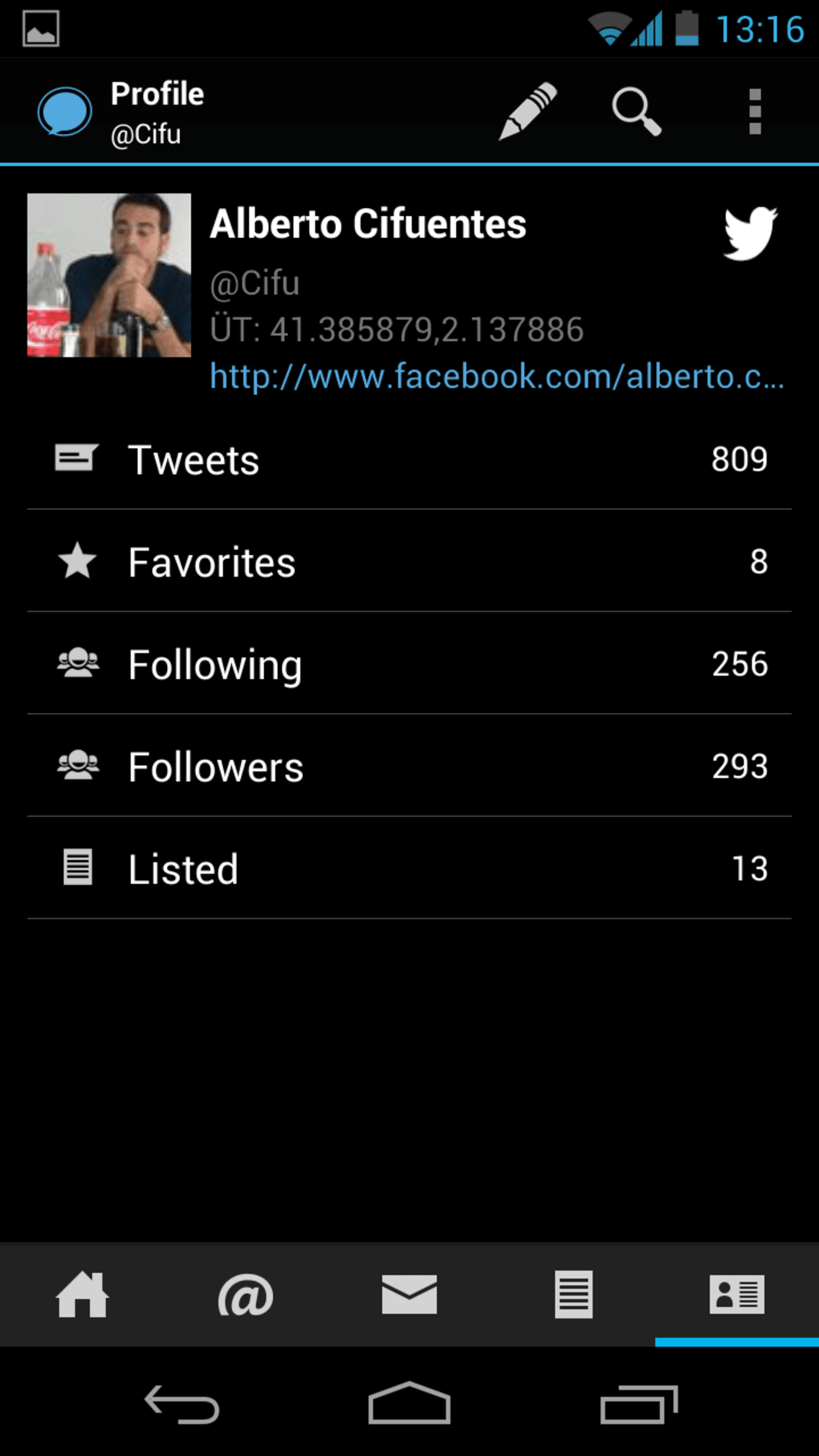
The user interface of Echofon is structured around simplicity and clarity, with a clean layout that prioritizes content visibility. Navigation is intuitive, allowing users to switch between timelines, mentions, direct messages, and lists with minimal effort. The application uses a tab-based navigation system, which contributes to a smooth workflow and reduces cognitive load.
The desktop version maintains the visual consistency of its mobile counterparts, ensuring a familiar experience across devices. While specific performance data was not provided, the software is designed to operate efficiently in the background, minimizing disruptions to other tasks. The developer did not specify resource usage details, so general software behavior patterns apply.
Stability appears to be a priority, as the app is updated regularly to address issues and improve functionality. Users can expect consistent performance during active use, though actual behavior may vary depending on system configuration and network conditions.
Compatibility & System Requirements
Echofon is designed to run on Android 5.0 and above, ensuring broad compatibility with modern mobile devices. The software is available as a downloadable application for Android platforms, with support for both smartphones and tablets. Installation size and hardware requirements were not specified by the developer.
Platform compatibility information is limited to Android, and there is no official confirmation of support for other operating systems such as Windows or macOS. The application is designed to function with an active internet connection for real-time syncing and notifications, though it may retain cached data for limited offline access. The developer did not provide additional details on system requirements.
Pros and Cons
Pros
- Seamless cross-device synchronization across Android and iOS
- Supports multiple Twitter accounts in one interface
- Threaded conversations improve discussion clarity
- Instant notifications for direct messages and mentions
- Light and dark theme options for user comfort
- Photo previews enhance content visibility
- Regular updates ensure ongoing improvements
Cons
- No official desktop version available for Windows or Mac
- System requirements and performance metrics not disclosed
- Only compatible with Android-based devices
- May require frequent updates to maintain compatibility
- Limited information on background resource usage
FAQ Section
Is Echofon compatible with Windows or Mac?
Echofon is currently available only for Android devices. There is no official desktop version for Windows or macOS.
Is the app free to download and use?
Yes, Echofon for Twitter is free to download and use. The developer offers the application at no cost, with optional in-app features or upgrades.
Does Echofon support multiple Twitter accounts?
Yes, users can manage and switch between multiple Twitter accounts within the same application interface.
Can I use Echofon offline?
The app supports limited offline access to cached data. However, real-time syncing and notifications require an active internet connection.
How often is Echofon updated?
Echofon is updated regularly with new features, bug fixes, and performance improvements to ensure optimal functionality.
Final Thoughts
Echofon for Twitter delivers a focused, efficient experience for users who prioritize real-time engagement on the platform. Its ability to synchronize across devices, manage multiple accounts, and display threaded conversations makes it a valuable tool for professionals and active social media users. While the lack of a desktop version for Windows or Mac may limit its accessibility, the application remains a strong choice for Android users seeking a clean, feature-rich Twitter client.
The combination of instant notifications, visual customization, and reliable syncing supports a seamless workflow. For those invested in Twitter management and content monitoring, Echofon offers a dependable solution. Download Echofon now.






.png)
